CardPointers 8
A huge new update to CardPointers has just launched, fully optimized for iOS 27, iPadOS 27, watchOS 27, visionOS 27, and macOS 27 Golden Gate; here are just some of the highlights:
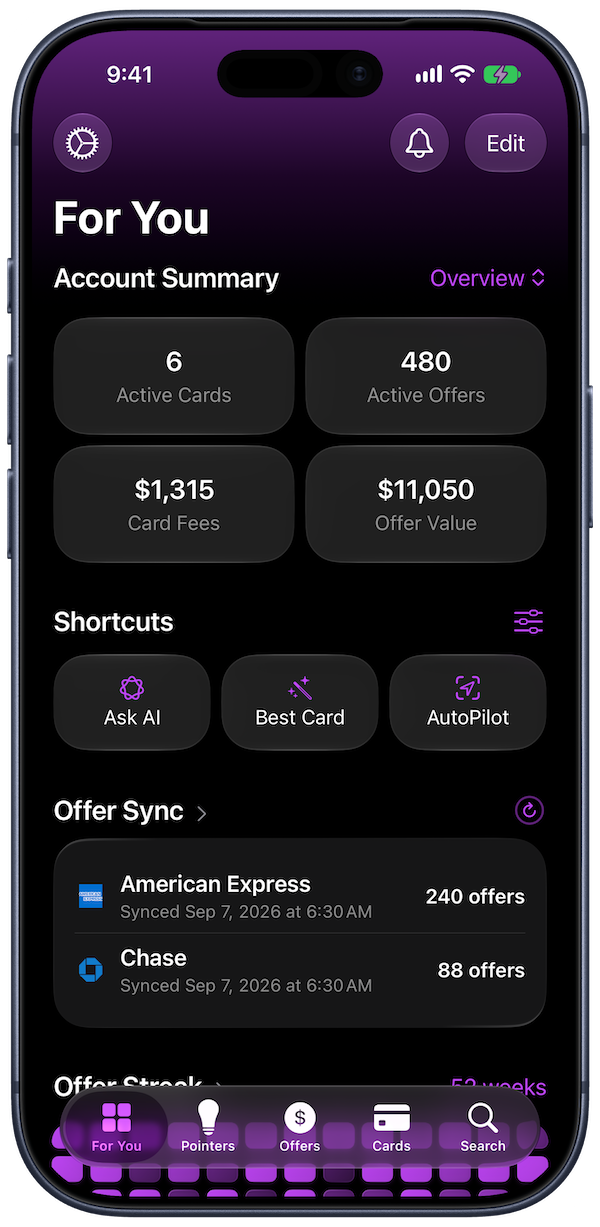
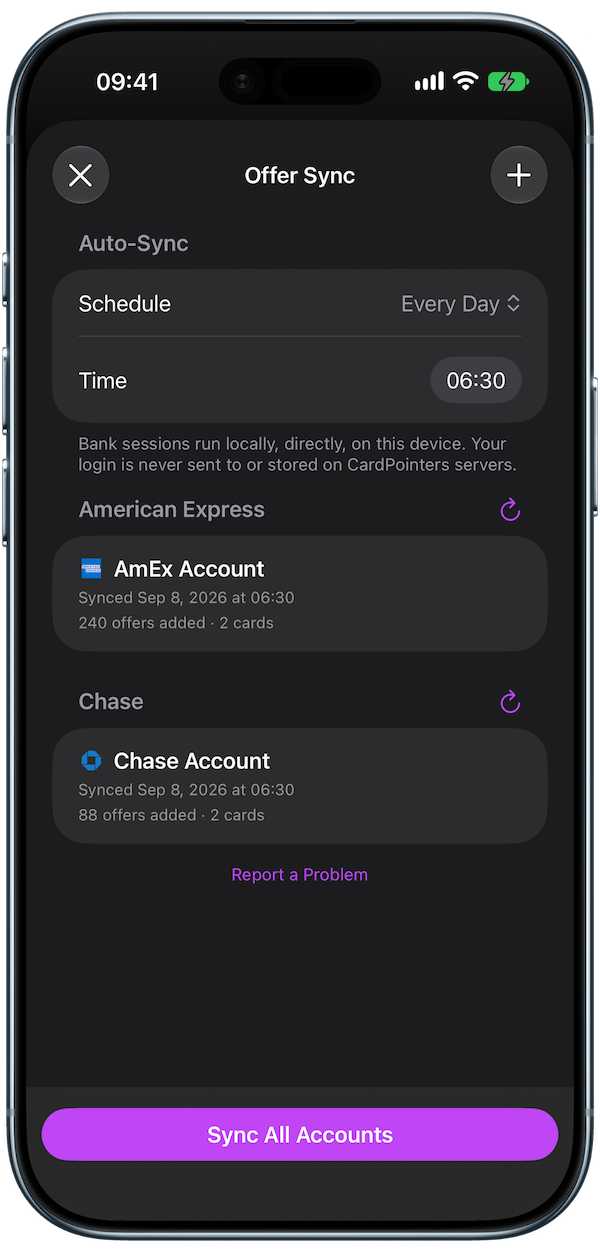
- In-app offer syncing for Amex, Chase, and the other major banks, will auto-add all of your offers while you sleep, safely and securely, so you never miss a deal.
- Siri AI integration across 5 domains + contextual on-screen awareness, letting people find, redeem, update, or share offers and cards using natural language.
- Visual Intelligence recognizes a storefront, product, screenshot, or receipt, then surfaces the best card and relevant offers using on-device intelligence to save users money.
- Ask AI automatically routes between the on-device Foundation Model and Private Cloud Compute, with semantic Spotlight search, and further integration throughout the app to automate tasks.
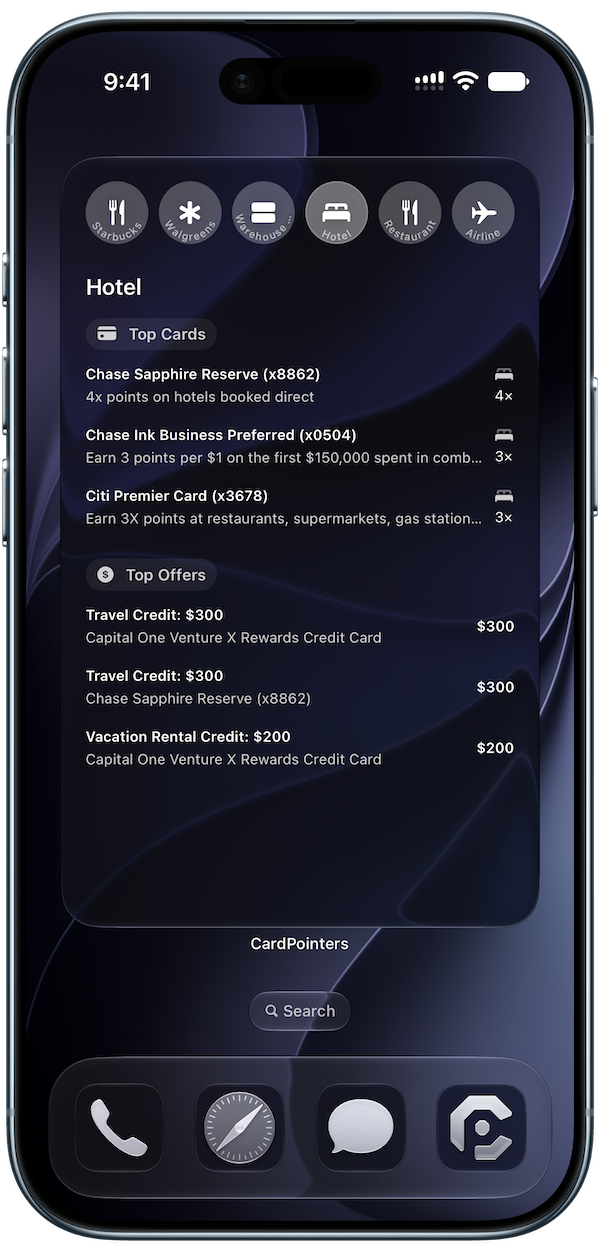
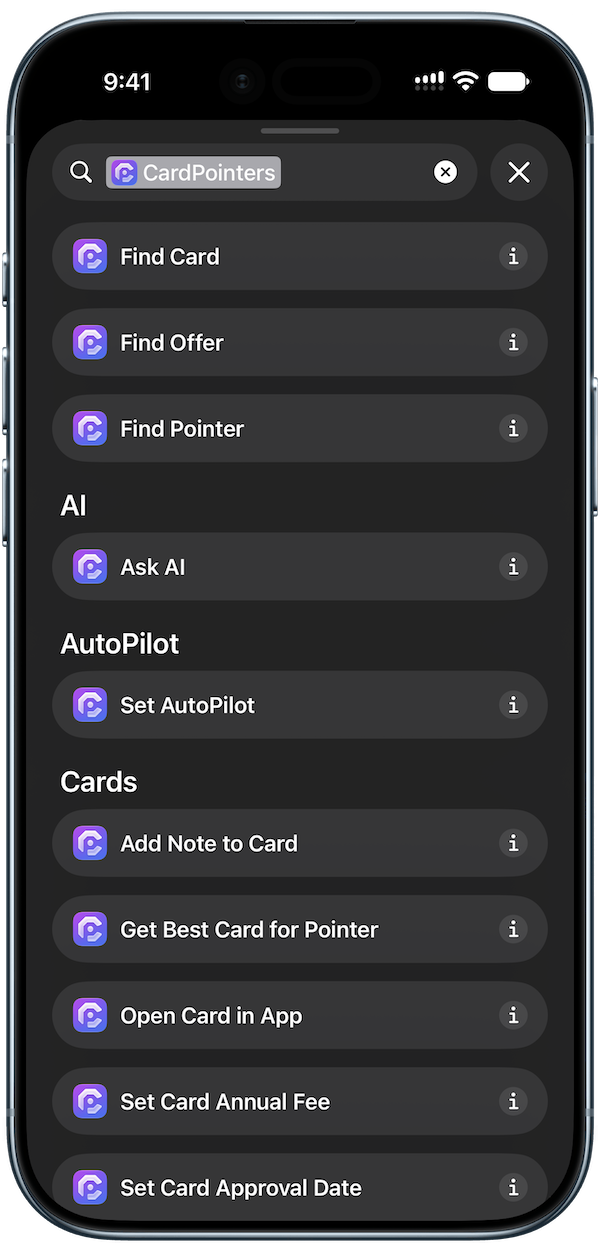
- 8 new widgets & 36 new App Intents help you wrangle all of your cards and offers in all sorts of new ways.
- 100+ new features to help you earn more from your credit cards.
Available now in the App Store.
In-App Offer Syncing
You can now store your bank logins on device and automatically log in to your bank accounts to auto-add all of your offers while you sleep.
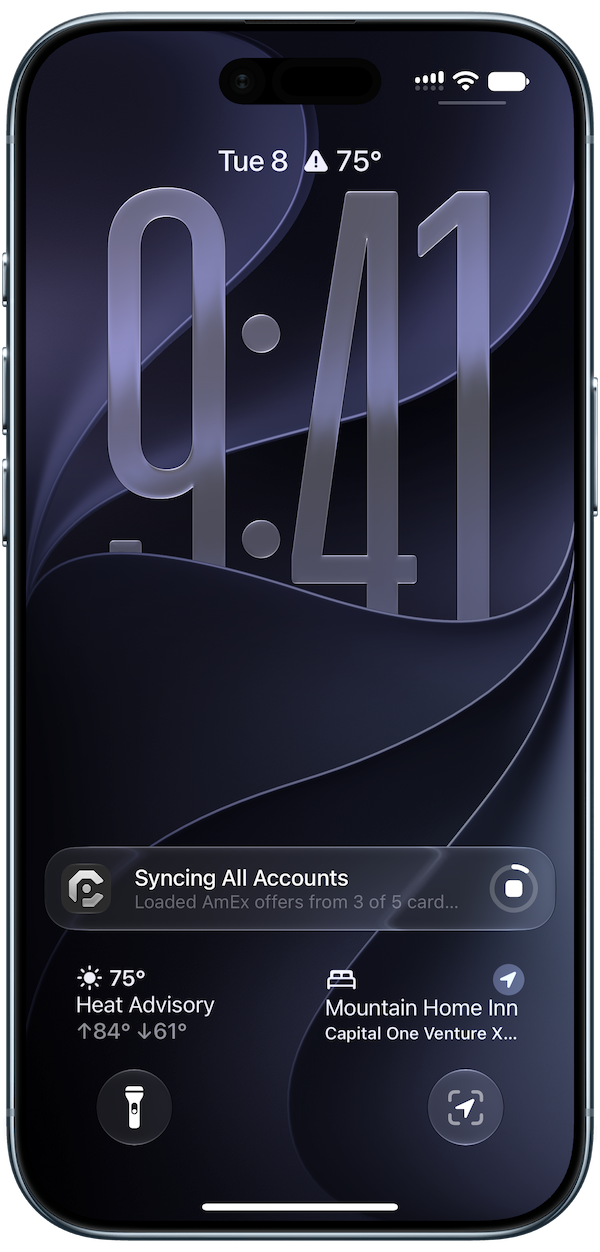
You can even start a sync in the app, background it, and watch your offers populate in real-time, thanks to the syncing live activity.
Your credentials never leave your device, and are never stored on our servers. All syncing is done securely on-device, and your data is never shared with anyone.
Siri AI
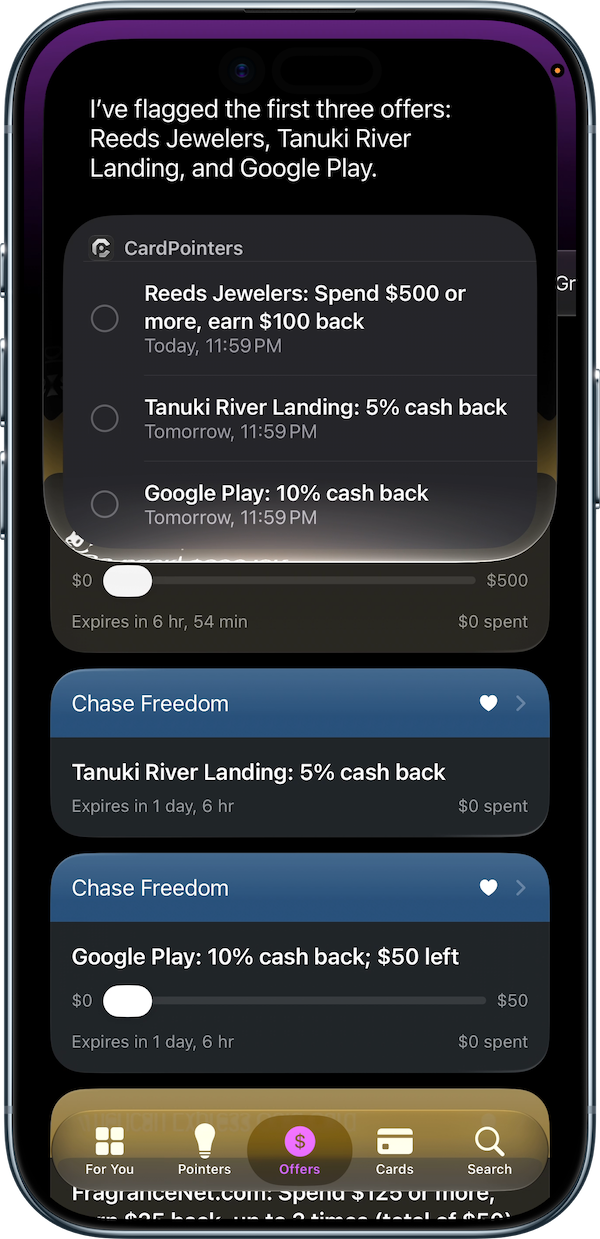
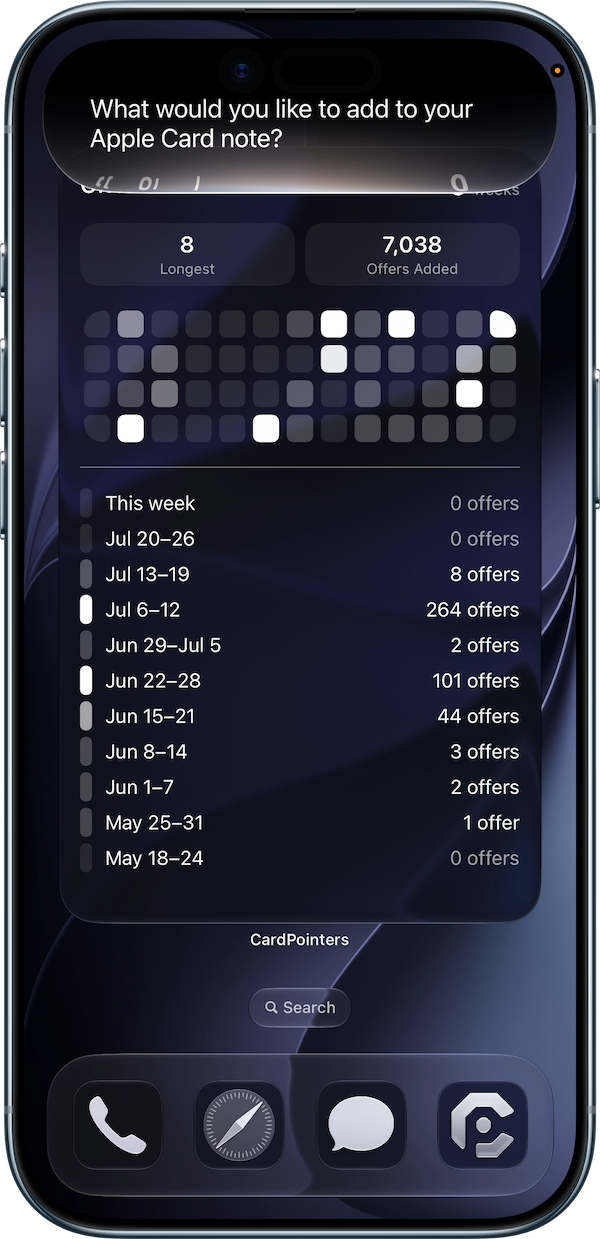
Siri can now do more with your cards and offers than ever before. Just ask to find an offer, mark it as redeemed, update a card's annual fee, or share a card with someone, using your own words.
With on-screen awareness, Siri even knows which card or offer you're looking at. Say "remind me about this offer tomorrow" and you can keep going about your day.
CardPointers now integrates with Siri across 5 domains, connecting your cards and offers with notes, reminders, messages, and places. Fewer taps, more savings!
Visual Intelligence
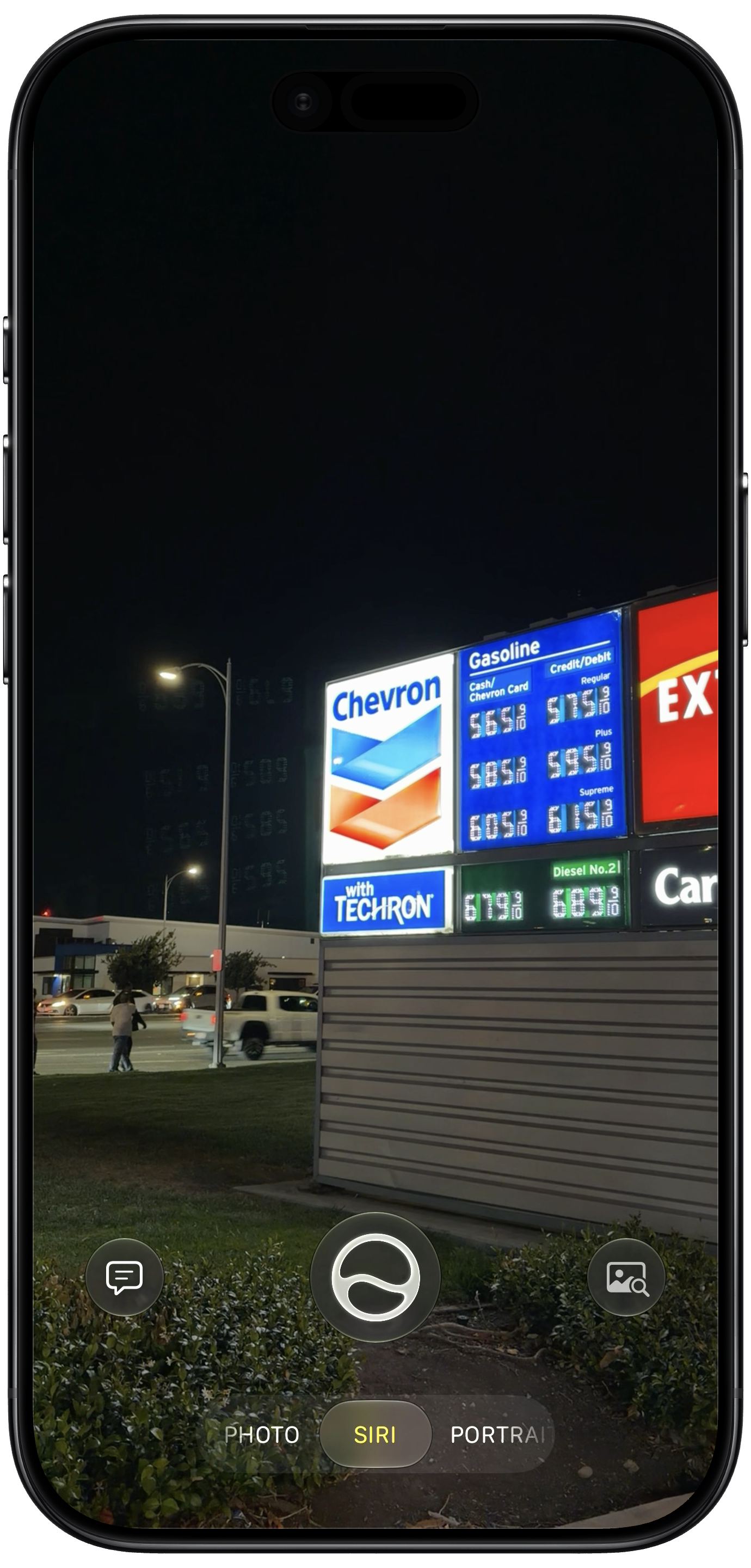
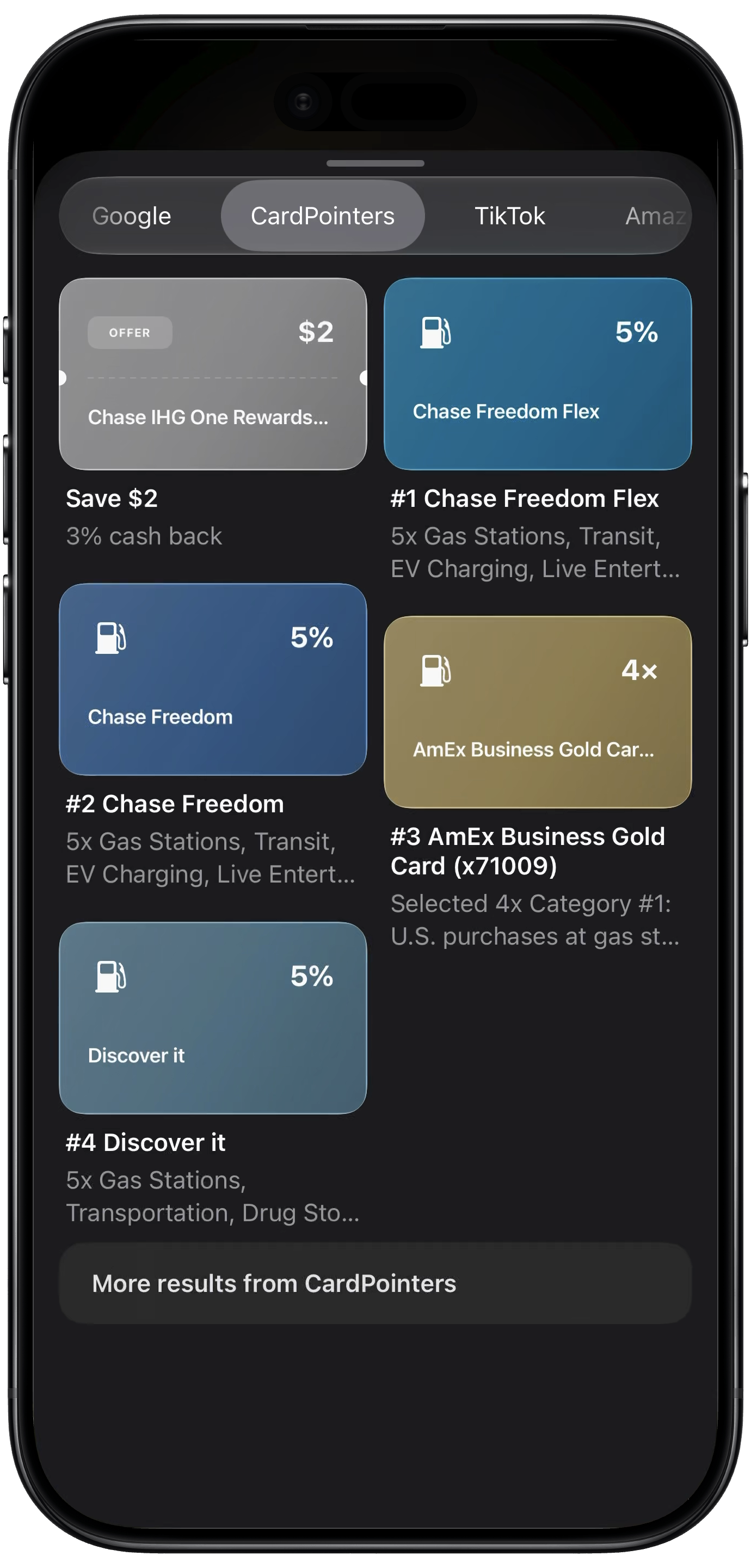
Just point your camera at a storefront or product to find out which card to use, along with any offers you have there. You can even use a screenshot or receipt to find the best card for that purchase.
Whether you're walking past a store or shopping from your couch, your next deal is just a glance away. Relevant cards and offers appear right alongside the results, so you can jump straight to the details.
Your images stay on your device, with on-device intelligence doing the heavy lifting to help you earn more points and save money.
Ask AI (Apple Intelligence)
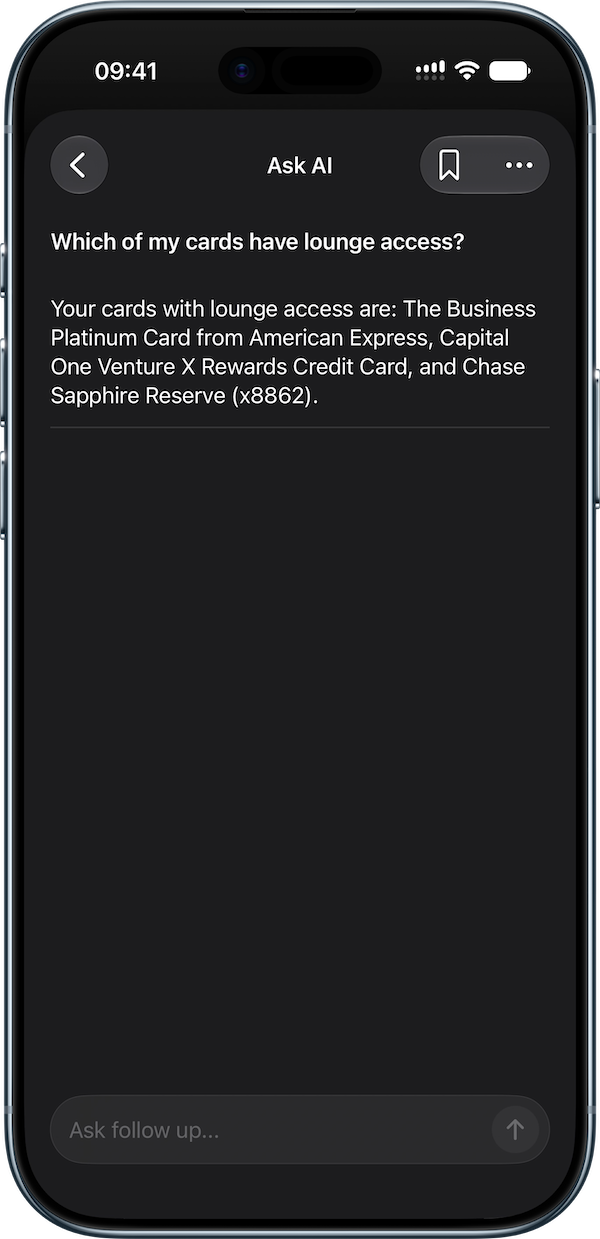
Ask CardPointers anything about your cards and offers, and keep the conversation going with follow-up questions. It now automatically chooses between the on-device Foundation Model and Private Cloud Compute to help with more complex questions, too.
Semantic Spotlight search helps find the cards, offers, and pointers you mean, even when you don't know their exact names. Ask about dining offers or which card to use for an upcoming trip, and see the relevant results alongside your answer.
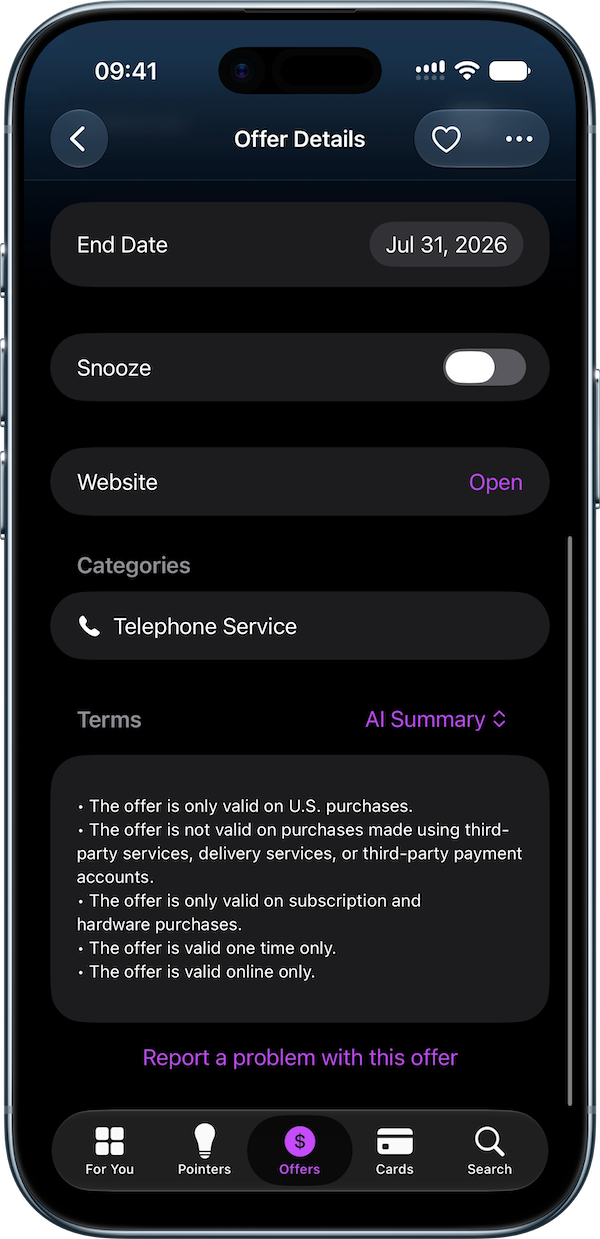
AI is in more places throughout the app, too. Add your cards by taking a photo, get a quick summary of an offer's terms, or describe a custom offer and let CardPointers fill in the details for you.
8 New Widgets & 36 New App Intents
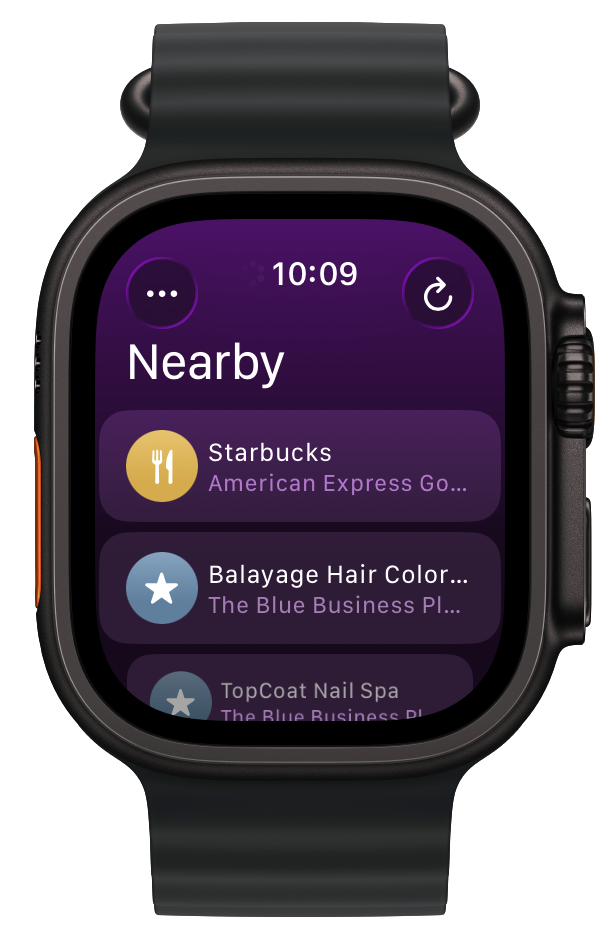
There are even more ways to keep your cards and offers close at hand. Check your offer streak, see deals at nearby stores, or tap through spending categories to find your best card, right from the widget -- including a new XL size for iPhone.
Keep an eye on your latest offer syncs, customize widgets for different user profiles, and take advantage of extra-large widgets on iPhone, iPad, and Mac to see even more at once.
With 36 new App Intents, you can build shortcuts to update your cards, redeem or snooze offers, schedule reminders, and more. String them together to make your own workflows, and let CardPointers take care of the busywork. Power users rejoice!
100+ New Features
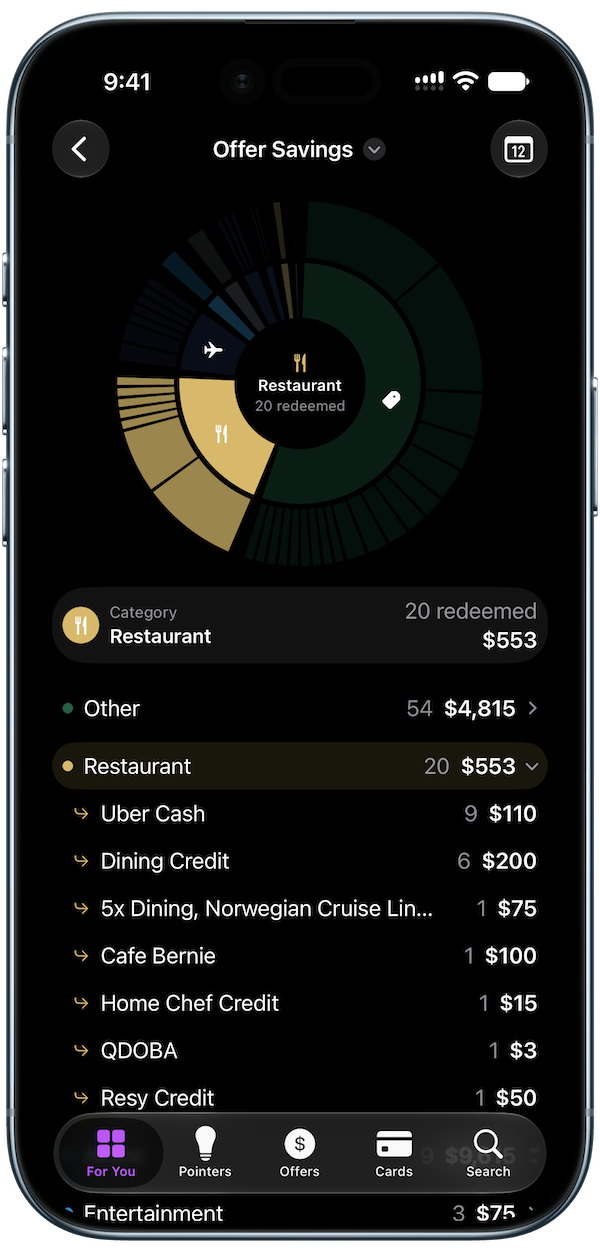
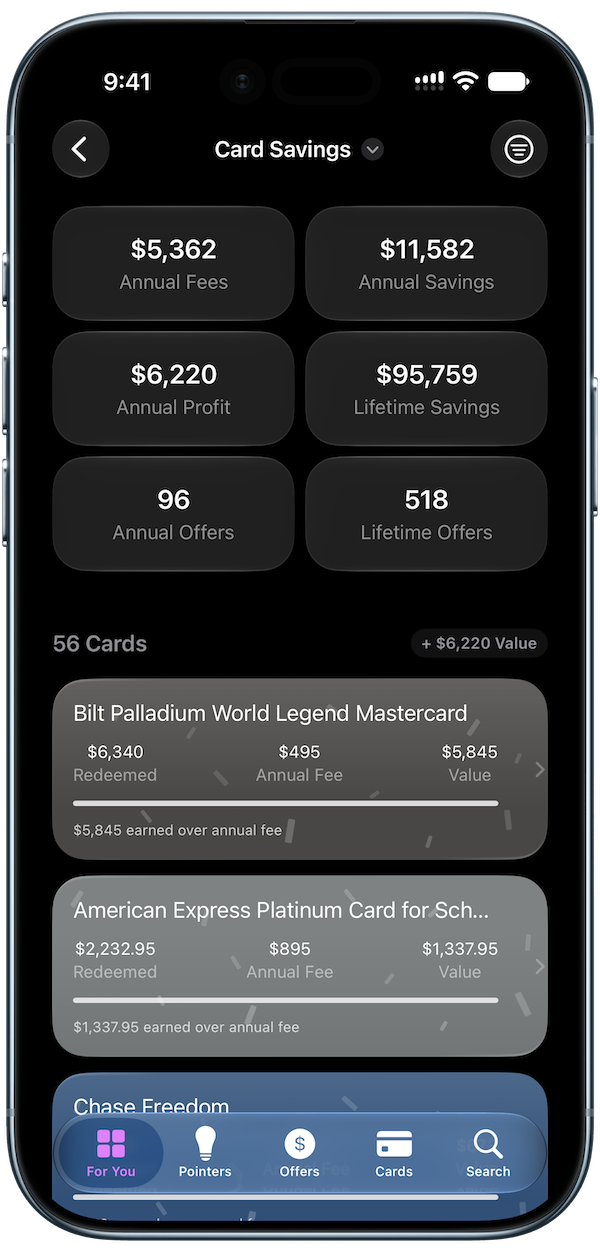
There's a lot more packed into this update. The new Card Savings view shows how much you've saved with each card and how that compares to its annual fee, while Offer Savings makes it easy to see your savings add up over time.
Offer automations can automatically favorite, redeem, or delete recurring card benefits, and your custom offers can now repeat, too. New offer grades and Smart List filters help you find the deals worth your time.
You can also customize your shortcut rows, filter and sort your cards in new ways, and access CardPointers right from your Mac's menu bar. Add in faster loading, hitch-free scrolling, plus improvements for VoiceOver and other accessibility features, and there's something new for everyone.